Codes
My Lucky Scoop Studio Roblox codes for free coins and rewards. Active list, redeem steps, and expired notes updated for November 2026.
View all CodesRoblox codes, scoop guides, and studio upgrade tips.
Unofficial My Lucky Scoop Studio Roblox wiki covering codes, packing guides, upgrade tiers, and cozy studio tips for the beta scoop loop.
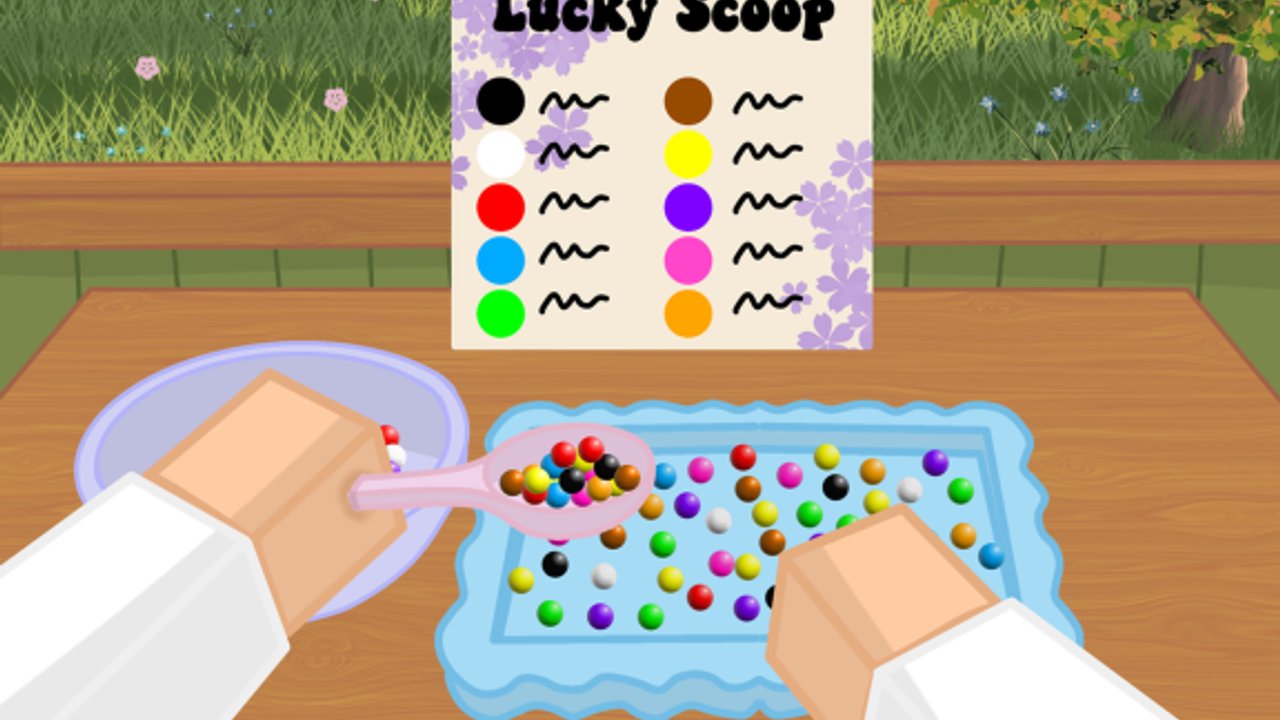
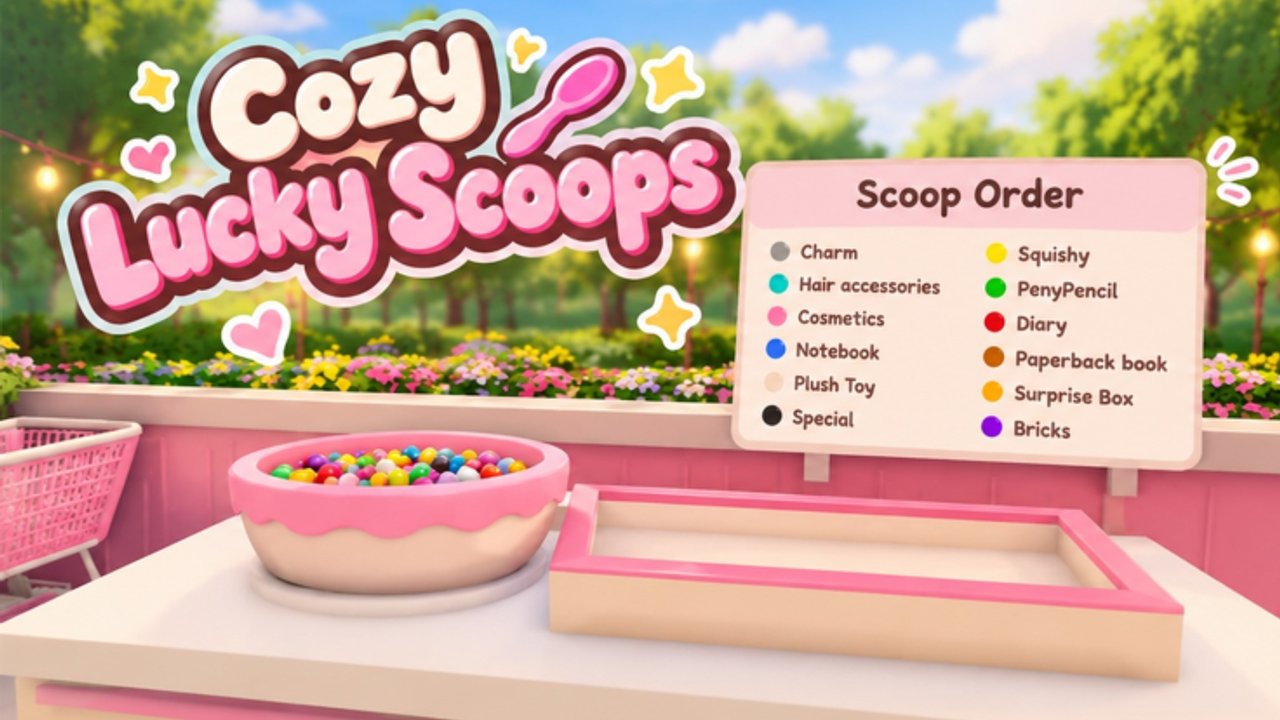
**My Lucky Scoop Studio** is a free Roblox cozy simulation in beta since August 2026. You run a scoop studio: read tickets, scoop colorful marbles, collect products, pack orders, earn coins, and decorate. Start with the Getting Started guide, then check codes and the tier list before spending Robux.
My Lucky Scoop Studio Roblox codes for free coins and rewards. Active list, redeem steps, and expired notes updated for November 2026.
View all CodesMy Lucky Scoop Studio Roblox guides hub: getting started, packing, coins, studio customization, and badge grind walkthroughs.
View all GuidesMy Lucky Scoop Studio Roblox tier list for Basket, Cart, coin packs, and studio upgrades so you spend Robux and coins with a clear plan.
View all Tier ListMy Lucky Scoop Studio Roblox badges, order milestones, rarity notes, and player tips for long-term cozy studio progression goals.
View all PlayersMy Lucky Scoop Studio Roblox updates hub: beta timeline, patch notes, shop changes, and what to re-check after each Twinkle Bloom drop.
View all UpdatesMy Lucky Scoop Studio Roblox scripts overview: auto order hubs, safety warnings, and better free progression tips for the cozy studio loop.
View all ScriptsUnofficial My Lucky Scoop Studio Roblox wiki hub: play link, studio loop overview, codes, guides, and trusted community paths for beta.
View all WikiOpen [My Lucky Scoop Studio on Roblox](https://www.roblox.com/games/87604112704506/Lucky-Scoop-Order), let the shop load, and walk to the order computer.
Follow Getting Started: read the ticket, scoop, collect products, pack, and ship a small order first.
Use How to Play and How to Pack Orders until failed shipments disappear.
Before spending Robux, read the tier list and Gamepasses — Basket first, cosmetics later.
Bookmark Codes, grind with the Badges Guide, and re-check Updates after each beta drop.
Quick answers about scooping, packing, codes, and studio upgrades.
A free Roblox cozy scoop studio sim (beta): scoop marbles, pack customer orders, earn coins, and decorate your shop. Start with Getting Started.
No active promo codes as of November 2026. Watch the Codes hub for the first official drop.
The Basket pass (49 Robux) for carry capacity. Full rankings are on the tier list.
This wiki supports: English, Français, Deutsch, Español, Português (BR).
No. This is an unofficial fan wiki. Confirm news on the Roblox experience page and Twinkle Bloom channels.
Read How to Pack Orders after you finish How to Play.
From first shipment to badge grind, the wiki covers packing, coins, and upgrades. Start with Getting Started or jump into codes and the tier list.
Start with the beginner guide